
Skip to content

For independent boutiques

An editorial studio, in your pocket.

Photograph a piece once. Shoppermo shoots it in your own studio, on your own models, in every format your week needs.

Free. One photo, from one photo. No app needed to try it.

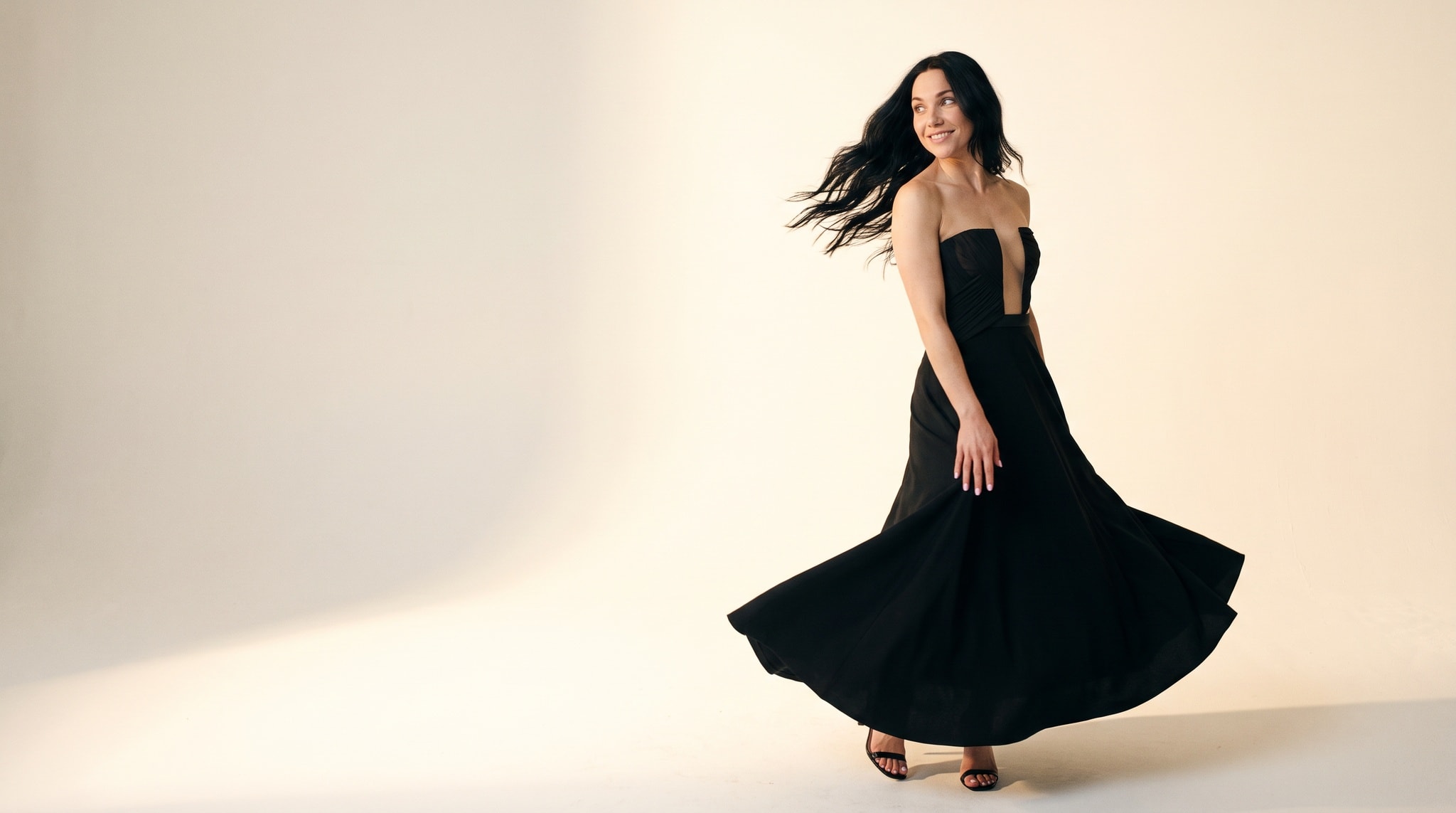
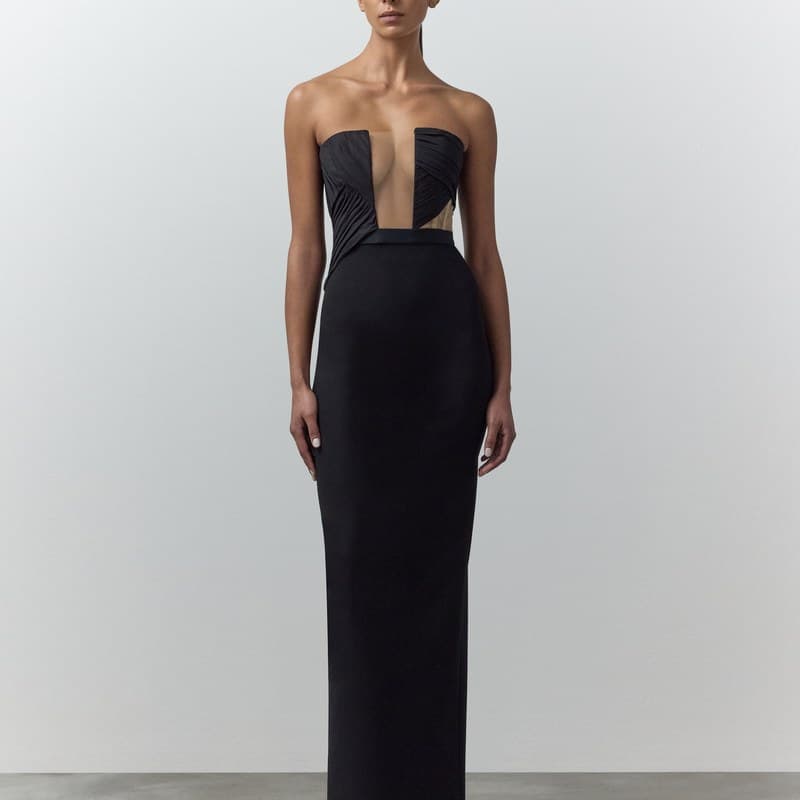
The green dress re-shot by Shoppermo inside the boutique's own shop, worn by the house model.Your studio’s photo
~40 secondsper finished photo
About £1a photo, on plans
Your ownmodels & spaces
Zerophotographers booked

Drag to develop

The window photo. Developed.

Start with the photo this boutique already had: the gown in the window. Drag across the frame and watch Shoppermo develop it into the editorial shot they would actually post.

The same gold gown after Shoppermo: an editorial photo on a model in a bright studio, ready to post.
Window
Editorial

Try it now · free

Your piece. One minute.

Upload one product photo. Choose a look, a model and a studio from the platform. We develop one photo, free.

How it works

Three steps. No photographer.

Photograph it

One phone photo of each piece, or the supplier shot you already have. That is the whole shoot.

Choose the look

Your models and your studio are set up once. After that, every photo is a couple of taps.

Post it

Feed, story, ad, product page. The right frame for each, the same piece in all of them.

Wherever you work

On your phone. Inside Shopify.

The studio lives in the Shoppermo app and inside your Shopify admin. Photograph at the rail, generate at the till, publish from either.

StudioBusiness
A coat product photo inside the Studio app.
Lifestyle lookClean lookStory lookHero look
Generate · 1 photo

The Shoppermo app

admin.shopify.com · Apps · Shoppermo Studio
Shopify embedded app

One catalogue, seven stories

Every photo your week needs.

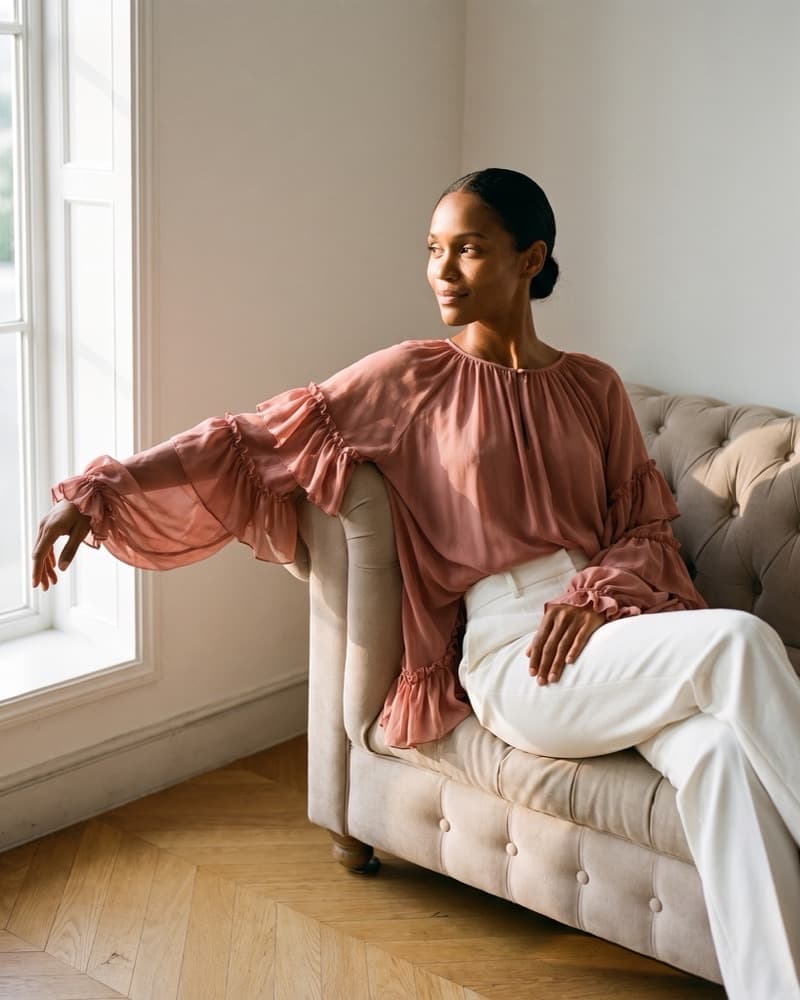
One piece from this page, shot seven ways by the studio. This is a week of content from an afternoon of uploads.

Portrait look, the same piece re-shot in the portrait register.
PortraitR01 · 4:5
Lifestyle look, the same piece re-shot in the lifestyle register.
LifestyleR03 · 4:5
Story look, the same piece re-shot in the story register.
StoryR05 · 9:16
Hero Ad look, the same piece re-shot in the hero ad register.
Hero AdR04 · 4:5
Close-Up look, the same piece re-shot in the close-up register.
Close-UpR06 · 1:1
Clean Shot look, the same piece re-shot in the clean shot register.
Clean ShotR02 · 1:1
Accessories look, the same piece re-shot in the accessories register.
AccessoriesR07 · 9:16

Then the other side switches on

On 1 October, shoppers arrive.

Your photos become a shopfront in their pocket: they browse real boutiques, try pieces on themselves, and put things aside to collect in your shop.

ExploreGlasgow

Browse boutiques

Try onYou
Try it on · free

Try it on themselves

Put asideReady
Green floral dressHillhead Atelier · £180
Collect by SaturdayHeld on the rail for you
HER·AB4

Reserve, collect in shop

1 October

Boutiques who join now launch with their shelves already beautiful.

Pricing that reads like photos

The price is the photos.

Free

£0/month

10 photos a month

  • Your shopfront in the app
  • Standard finish
  • Every look, every frame
Most boutiques

Studio

£49/month

49 photos a month: 39 standard, 10 HD

Keeps your feed dressed.

  • Steady social posting
  • The key pieces photographed for your site

Buy Studio if: you post a few times a week and want every new arrival shot without booking anyone.

Pro

£149/month

149 photos a month: 99 standard, 40 HD, 10 4K

Runs your whole shop window online.

  • Site, feed, stories and ads
  • More models and studios to rotate through

Buy Pro if: your website sells as hard as your shopfront and you refresh imagery weekly across everything.

Every plan works in the Shoppermo app and inside Shopify. Final tiers announced at launch.

Talk to us if you run more than one shop, need volume beyond Pro, or want the whole thing done for you. Get in touch.

A note from the founder

“Big brands have studios, models and a media team. Your shop has better taste than all of them. Shoppermo exists so taste is the only thing you need to bring.”

MohsenFounder, Shoppermo · Glasgow

Questions boutiques ask

Fair questions.

Do I need a photographer, or any kit?

No. One phone photo per piece, or the supplier image you already have. Everything on this page was made from exactly that.

Where do I make the photos?

In the Shoppermo app on your phone, or inside your Shopify admin if you sell there. Photograph at the rail, generate at the till, publish from either.

Whose models and studios are these?

The ones on this page are the house cast. At setup we build your own models and spaces with you, so every photo after that is consistently, recognisably your shop.

I sell on Shopify. Does this fit?

Yes. Connect your shop and your catalogue syncs both ways: pieces flow in, finished photos flow back to your product pages.

How many photos do I get?

Plans are counted in photos, not credits: the price is the photos. Revisions are part of making a photo you keep, not a way to spend your allowance.

What happens on 1 October?

The shopper side opens: browsing, try-on and put-aside, in the same app. Boutiques who join the list now launch with their shelves already dressed.

Shoppermo

Launching 1 October

Put your shop in their pocket.

Join the launch list and your first photos are ready before your shoppers are.

Beta · 1 October

Get first access.

Founding boutiques get first access.

No spam. Two emails before launch, then your shelves, dressed.